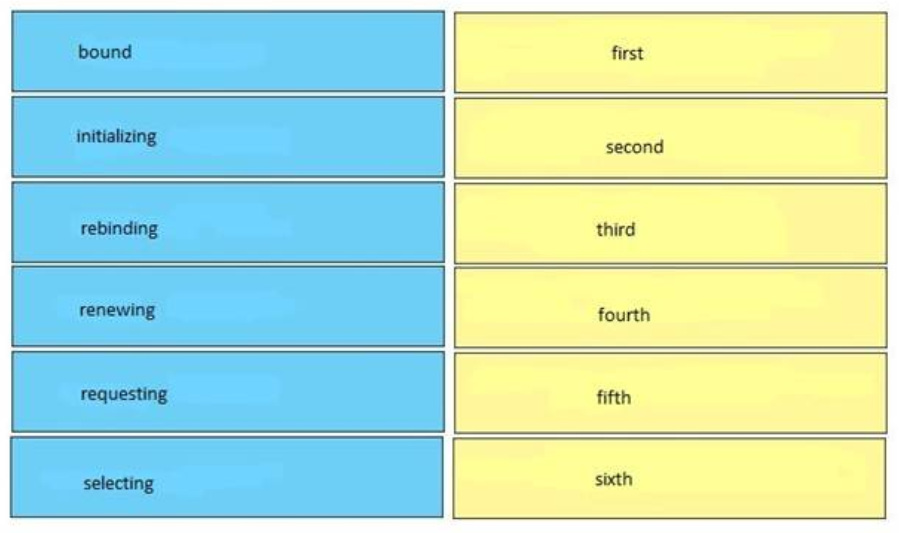
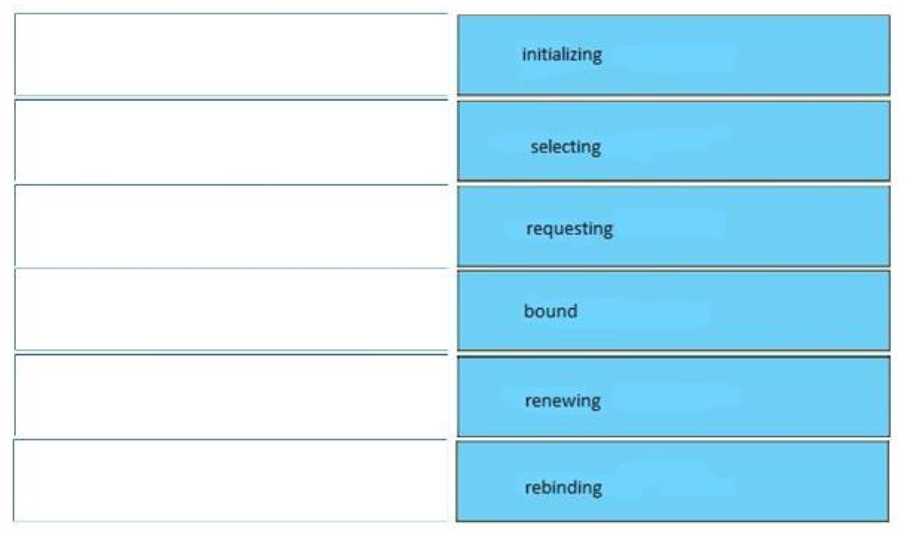
Drag and drop the DHCP client states from the left into the standard order in which the client passes through them on the right.
Answer
Related exam: CCNA v3.0 (200-125) Study Guide – Exam Dumps

Drag and drop the DHCP client states from the left into the standard order in which the client passes through them on the right.
Answer
Related exam: CCNA v3.0 (200-125) Study Guide – Exam Dumps

The ITExamAnswers Editorial Team is a dedicated group of certified IT professionals and network engineers. We rigorously review, verify, and update all exam materials to ensure you receive the most accurate and reliable resources for your certification journey.