
Launch PT – Hide and Save PT. Open the PT Activity. Perform the tasks in the activity instructions and then complete the task. What message is displayed on http://www.ciscoville.com?
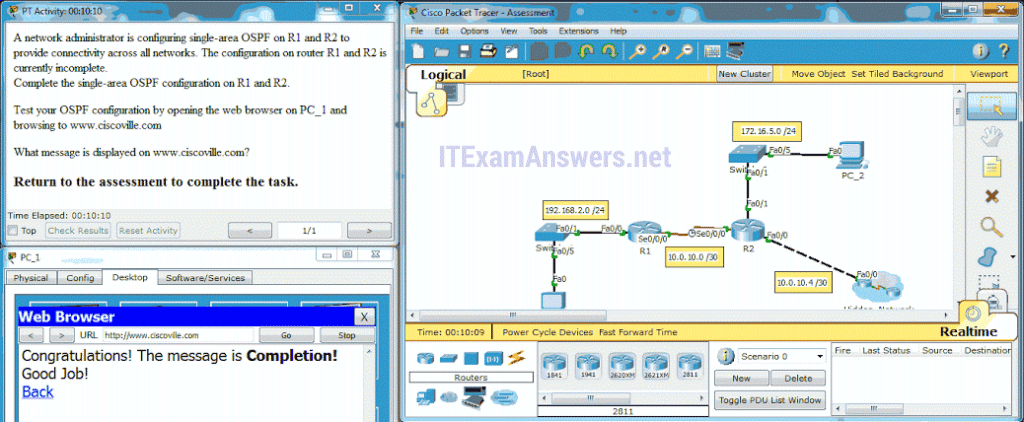
The correct configuration on R1 is:
router ospf 10
network 192.168.2.0 0.0.0.255 area 0
network 10.0.10.0 0.0.0.3 area 0
The correct configuration on R2 is:
router ospf 10
network 10.0.10.0 0.0.0.3 area 0
network 10.0.10.4 0.0.0.3 area 0
network 172.16.5.0 0.0.0.255 area 0
- Completion!
- Converged!
- Success!
- Finished
Related exam: CCNA 2 (v5.0.3 + v6.0) Chapter 8 Exam Answers
