
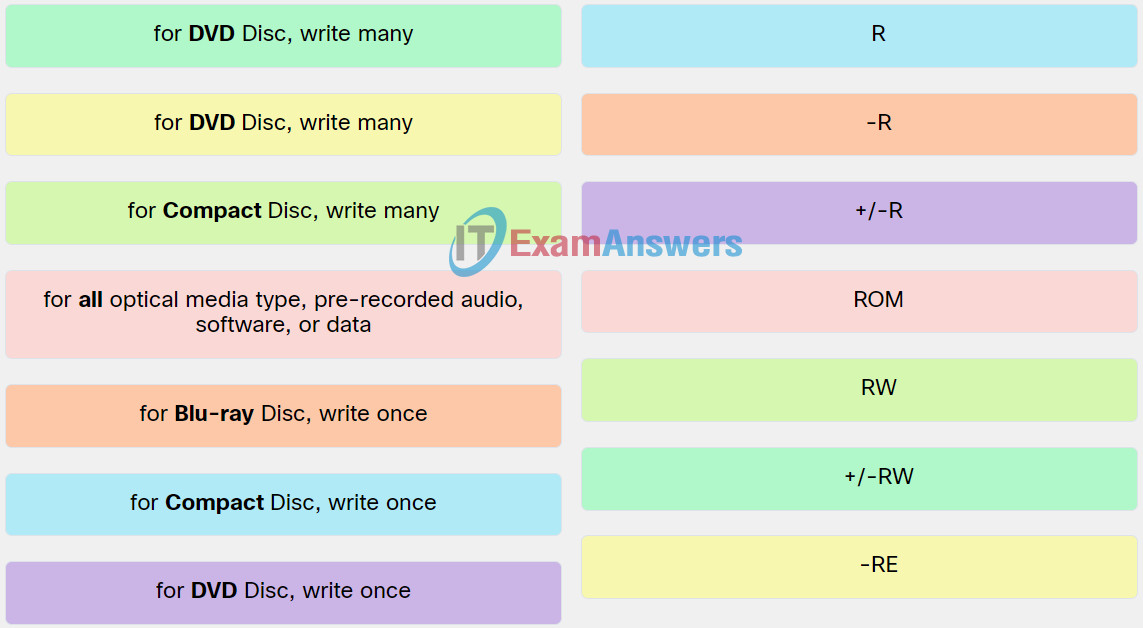
Match the optical media format to the description.
Explanation: Place the options in the following order:
| for all optical media type, pre-recorded audio, software, or data. | ROM |
| for Compact Disc, write once. | R |
| for Compact Disc, write many. | RW |
| for DVD Disc, write once. | +/-R |
| for DVD Disc, write many. | +/-RW |
| for Blu-ray Disc, write once. | -R |
| for Blu-ray Disc, write many. | -RE |
Related exam: IT Essentials v8 Chapter 1 Check Your Understanding
