
Choose the correct front panel connector for each description.
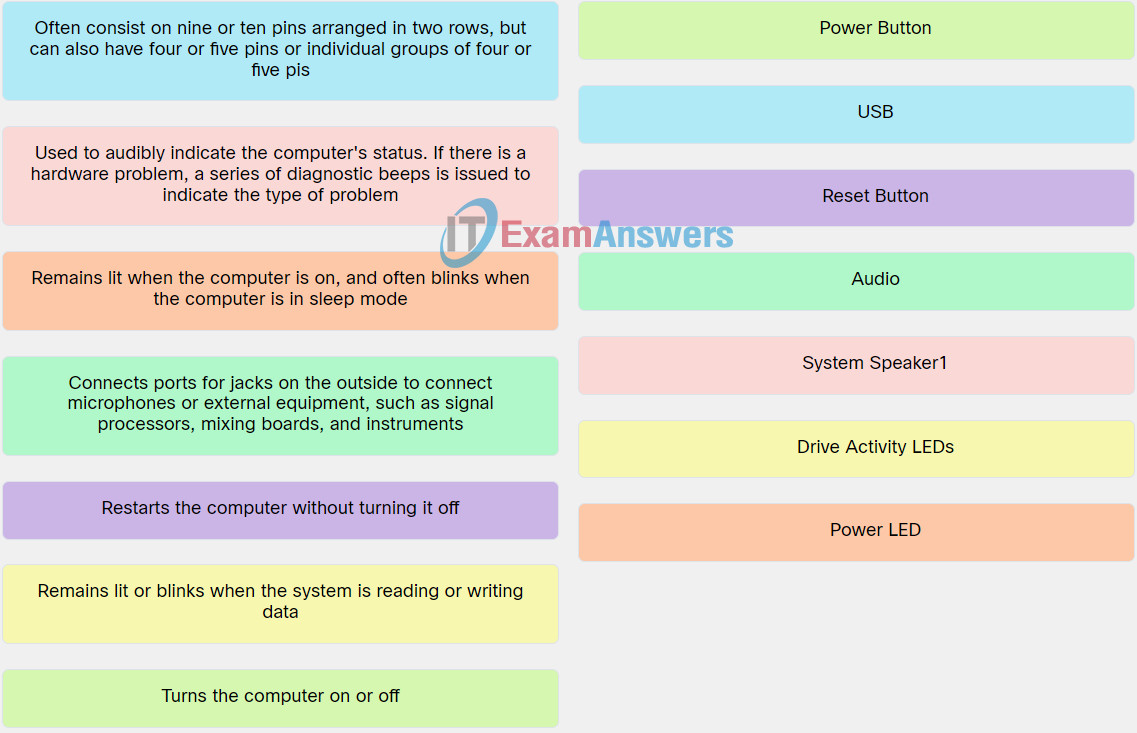
Explanation: Place the options in the following order:
| Turns the computer on or off. | Power Button |
| Restarts the computer without turning it off. | Reset Button |
| Connects ports for jacks on the outside to connect microphones or external equipment, such as signal processors, mixing boards, and instruments. | Audio |
| Remains lit when the computer is on, and often blinks when the computer is in sleep modePower LED-Power. | Power LED |
| Remains lit or blinks when the system is reading or writing data. | Drive Activity LEDs |
Related exam: IT Essentials v8 Chapter 2 Check Your Understanding
