
Case 1:
Match the step number to the description
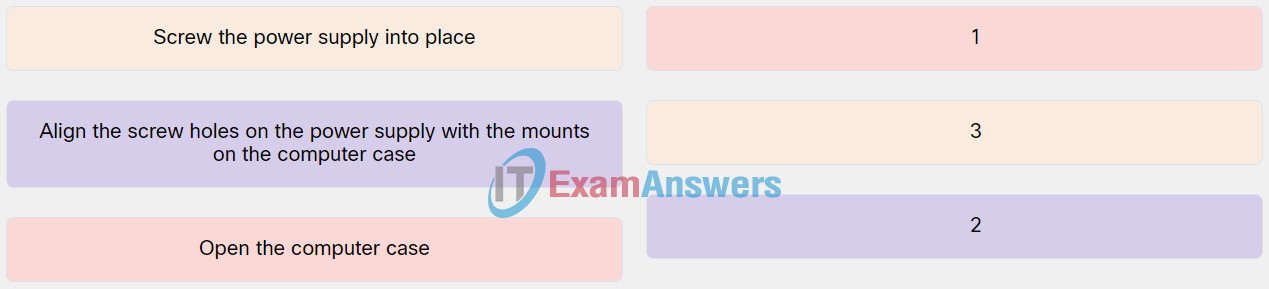
Explanation: Place the options in the following order:
| Open the computer case. | 1 |
| Align the screw holes on the power supply with the mounts on the computer case. | 2 |
| Screw the power supply into place. | 3 |
Case 2:
Match the step number to the description.
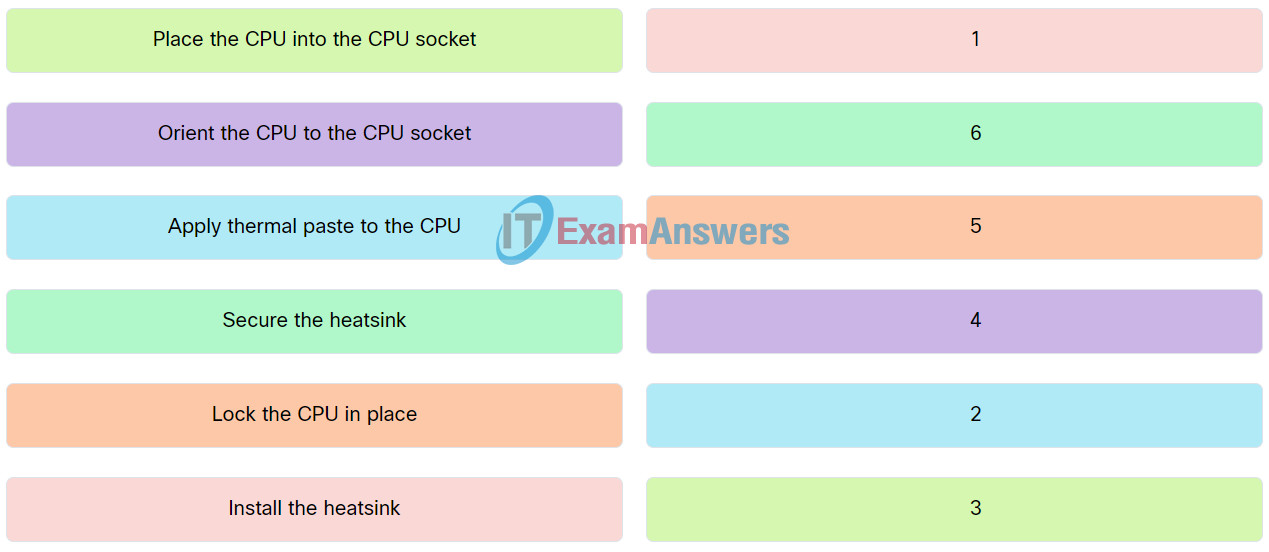
Explanation: Place the options in the following order:
| Install the heatsink. | 1 |
| Apply thermal paste to the CPU. | 2 |
| Place the CPU into the CPU socket. | 3 |
| Orient the CPU to the CPU socket | 4 |
| Lock the CPU in place. | 5 |
| Secure the heatsink. | 6 |
Case 3:
Match the step number to the description.
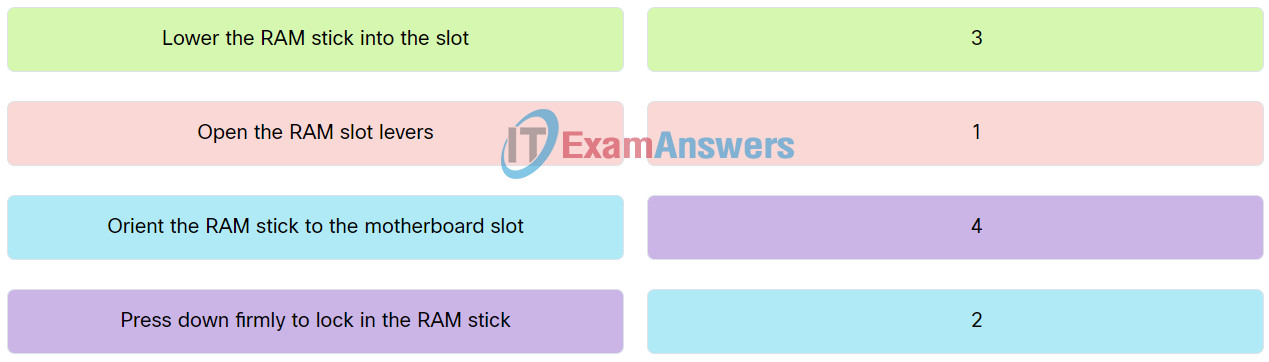
Explanation: Place the options in the following order:
| Open the RAM slot levers. | 1 |
| Orient the RAM stick to the motherboard slot. | 2 |
| Lower the RAM stick into the slot. | 3 |
| Press down firmly to lock in the RAM stick. | 4 |
Case 4:
Match the step number to the description.
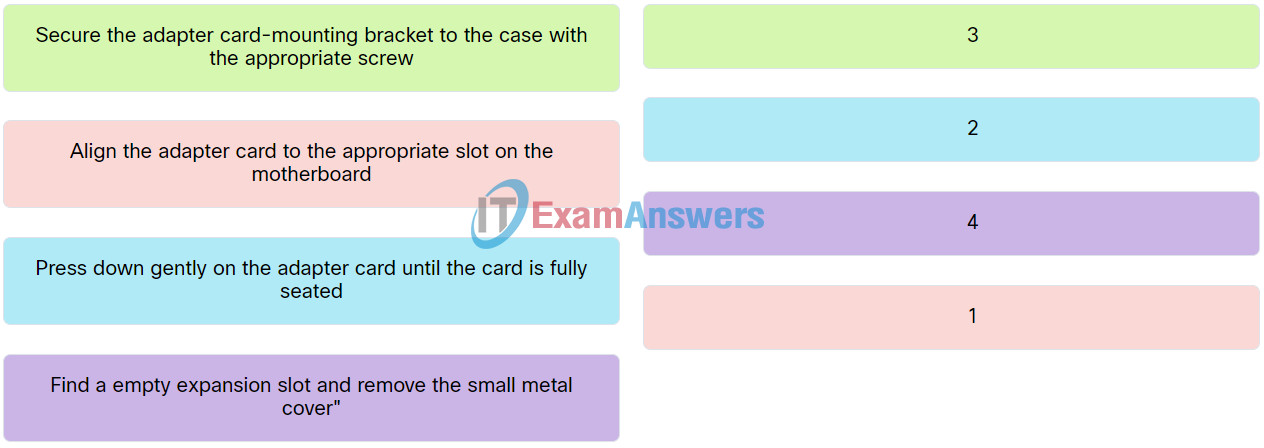
Explanation: Place the options in the following order:
| Align the adapter card to the appropriate slot on the motherboard. | 1 |
| Press down gently on the adapter card until the card is fully seated. | 2 |
| Secure the adapter card-mounting bracket to the case with the appropriate screw. | 3 |
| Find a empty expansion slot and remove the small metal cover. | 4 |
Related exam: IT Essentials v8 Chapter 2 Check Your Understanding
