
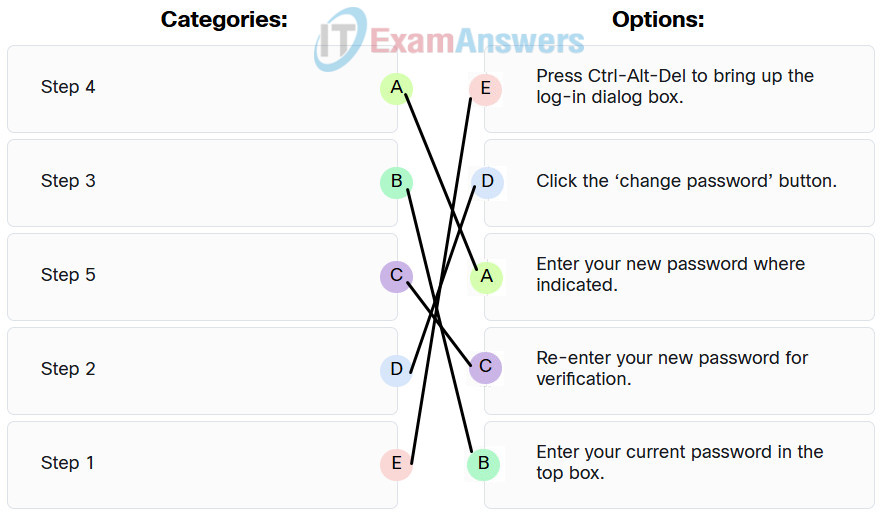
Match the step number to the description in a change password procedure on a Windows host.
Explanation:
Step 1: Press Ctrl-Alt-Del to bring up the log-in dialog box.
Step 2: Click the ‘change password’ button.
Step 3: Enter your current password in the top box.
Step 4: Enter your new password where indicated.
Step 5: Re-enter your new password for verification.
Related exam: Endpoint Security: My Knowledge Check Answers
