
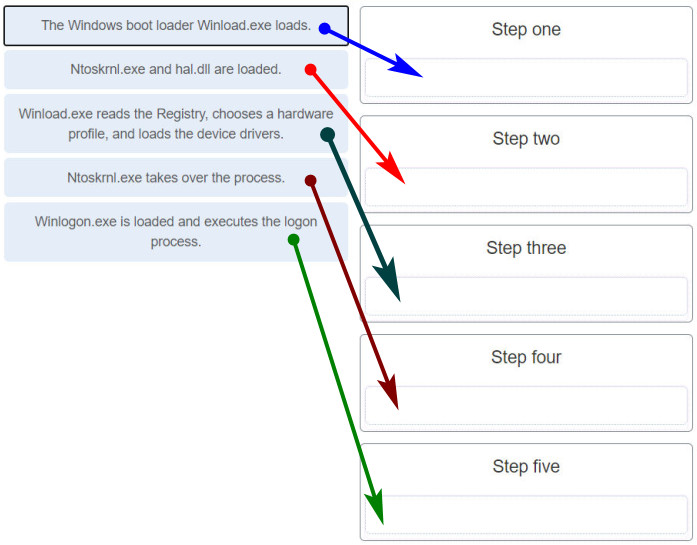
Match the Windows 10 boot sequence after the boot manager (bootmgr.exe) loads.
NEW (Version 8.0):

Place the options in the following order:
| the Windows boot loader winload.exe loads | Step one |
| ntoskrnl.exe and hal.dll are loaded | Step two |
| winload.exeis loaded | Step three |
| ntoskrnl.exe loads and executes | Step four |
| winlogon.exe is loaded and executes the logon process | Step five |
Explanation: Boot Sequence for Windows:
- Power on Self Test (POST)
- POST for each adapter card that has a BIOS
- BIOS reads the MBR
- MBR takes over control of the boot process and starts BOOTMGR
- BOOTMGR reads the Boot Configuration Data file to know which OS to load and where to find the OS on the boot partition
- BOOTMGR invokes WINLOAD.EXE in order to load the NTOSKRNL.EXE file and HAL.DLL
- BOOTMGR reads the registry files and loads device drivers
- NTOSKRNL.EXE starts the WINLOGON.EXE program and displays the Windows login screen
Related exam: Modules 3 - 4: Operating System Overview Group Exam
Related exam: Final Exam - Composite (Chapters 1-14)
Related exam: IT Essentials 8.0 Final Exam Modules 10-14
