
Match the command or keystrokes to the respective description.
Explanation: Place the options in the following order:
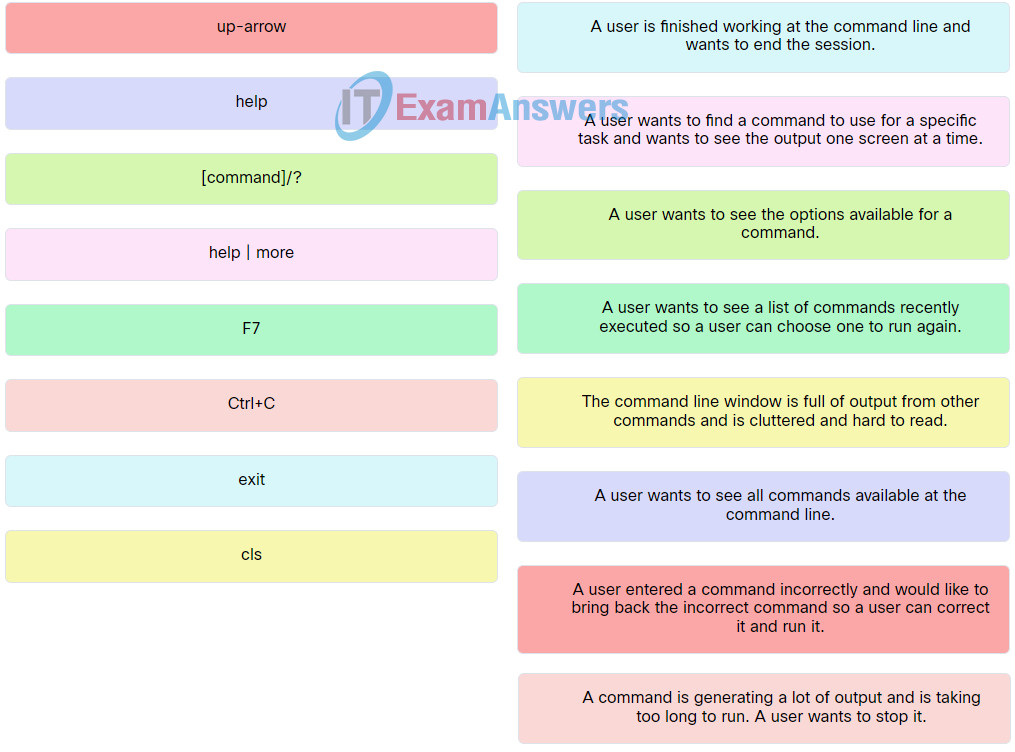
| Ctrl+C | A command is generating a lot of output and is taking too long to run. A user wants to stop it. |
| up-arrow | A user entered a command incorrectly and would like to bring back the incorrect command so a user can correct it and run it. |
| exit | A user is finished working at the command line and wants to end the session. |
| F7 | A user wants to see a list of commands recently executed so a user can choose one to run again. |
| help | A user wants to see all commands available at the command line. |
| help | more | A user wants to find a command to use for a specific task and wants to see the output one screen at a time. |
| [command]/? | A user wants to see the options available for a command. |
| cls | The command line window is full of output from other commands and is cluttered and hard to read. |
Related exam: IT Essentials v8 Chapter 11 Check Your Understanding
