Tag: Network Documentation
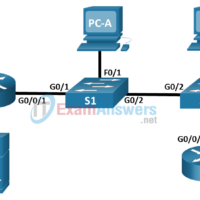
1.2.7 Packet Tracer - Connect a Network Based on a Network Diagram Objectives In this activity, you will complete a physical topology based on a provided network diagram. Network Diagram Instructions Network diagrams are essential to visualizing how devices are connected and work together. Diagrams can act as …
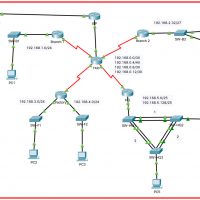
12.6.2 Packet Tracer - Troubleshooting Challenge - Use Documentation to Solve Issues Answers Topology Addressing Table Device Interface Device Type (router, switch, host) IP Address Subnet Mask Default Gateway PC1 NIC host 192.168.1.153 255.255.255.0 192.168.1.1 PC2 NIC host 192.168.3.50 255.255.255.0 192.168.3.1 PC3 NIC host 192.168.4.115 255.255.255.0 192.168.4.1 PC4 …
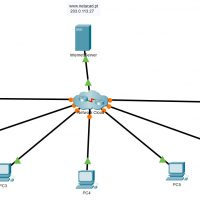
12.6.1 Packet Tracer - Troubleshooting Challenge - Document the Network Answers Topology Table of Contents Addressing Table Instructions Part 1: Test Connectivity Part 2: Discover PC Configuration Information Part 3: Discover Information about the Default Gateway Devices (Access Map) Part 4: Reconstruct the Network Topology Part 5: Further …
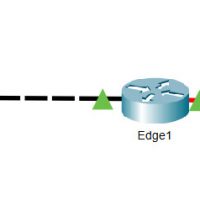
10.1.5 Packet Tracer - Use CDP to Map a Network Answers Topology Addressing Table Device Interface IP Address Subnet Mask Neighbor Interface - Connected Neighbor Edge1 G0/0 192.168.1.1 255.255.255.0 G0/1 - S1 S0/0/0 209.165.200.5 255.255.255.252 S0/0/0 - ISP Branch-Edge S0/0/1 209.165.200.10 255.255.255.252 S0/0/1 - ISP G0/0 192.168.3.249 255.255.255.248 …